
You wake up one morning and your kid’s first steps video is gone. Your cloud storage account was hacked, corrupted, or the service simply shut down. Years of family memories – birthdays, vacations, graduations – disappeared forever. This nightmare is happening to more families than you’d expect, which is why parents are searching for safer ways to protect their irreplaceable photos and videos.
NAS storage offers an interesting alternative: your own personal cloud server that sits safely in your home. You can still access your photos from any device like before, but you have complete control over who sees them and where they’re stored. The big question is whether NAS storage is actually more secure than regular cloud services, and if it’s worth the switch for protecting your family’s precious memories.
Demystifying NAS: Your Personal Data Fortress
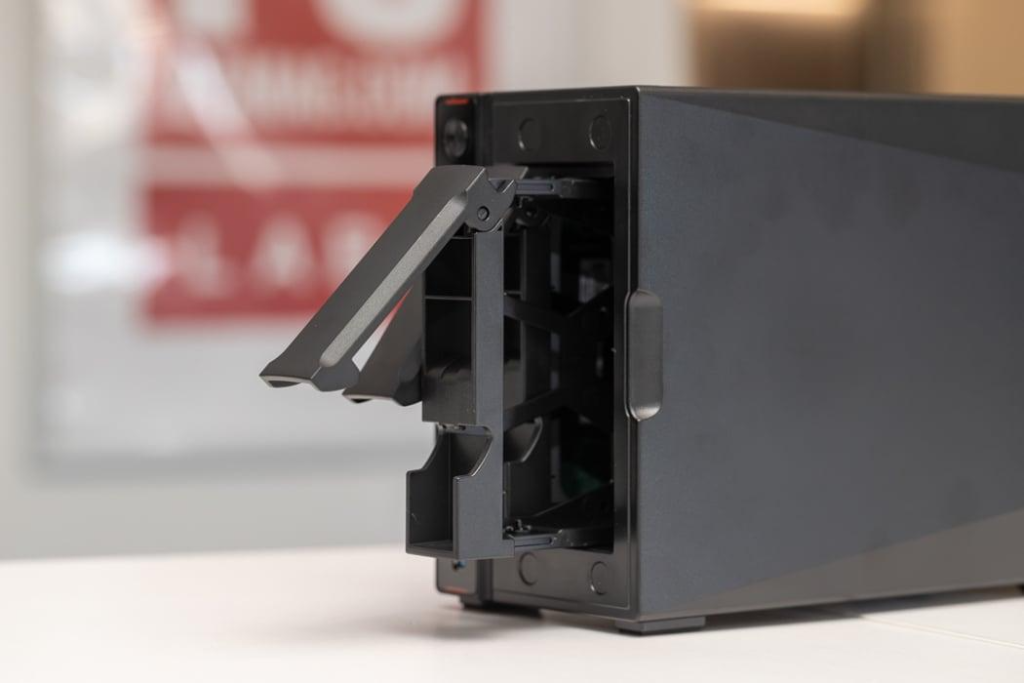
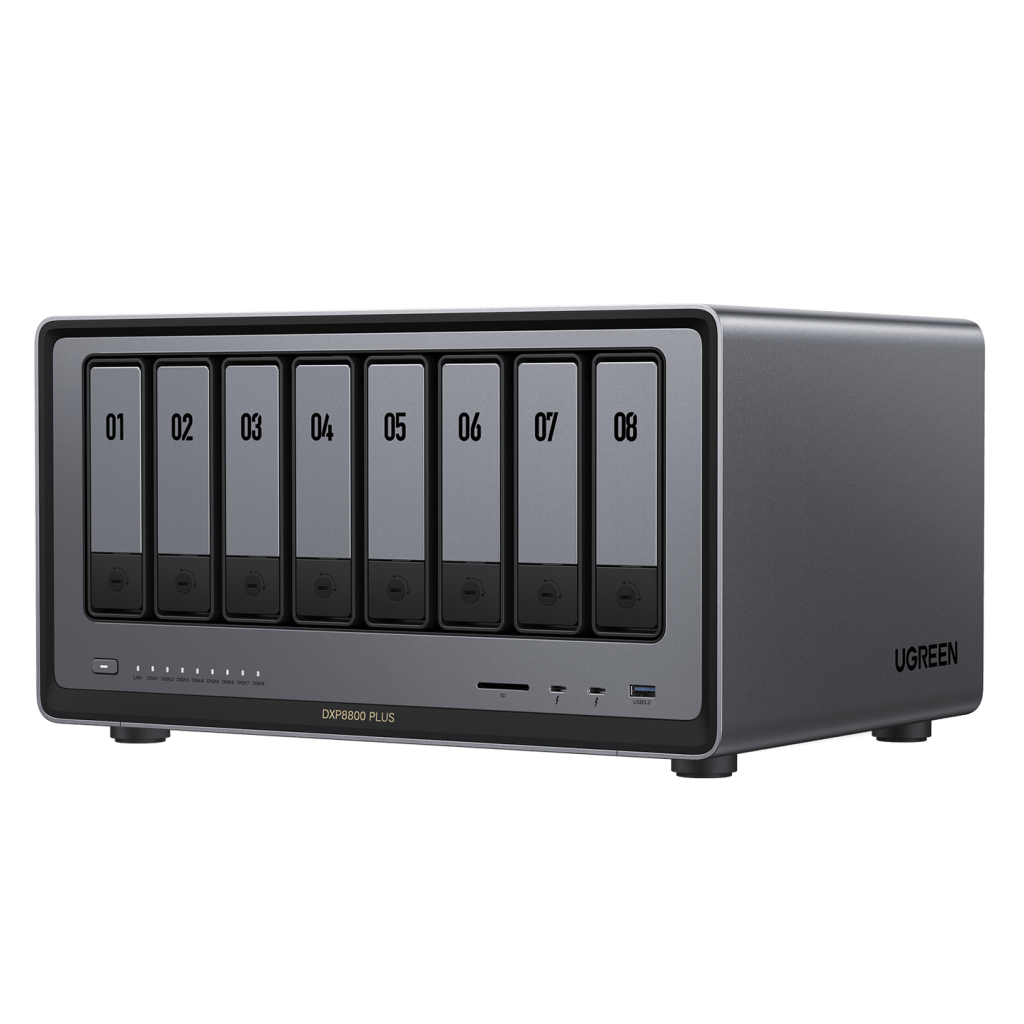
Network Attached Storage (NAS) represents a powerful shift in how families can protect and access their digital memories. At its core, a NAS is essentially a miniature computer dedicated to storage, consisting of an enclosure that houses multiple hard drives, a processor, and network connectivity components. Unlike traditional external hard drives that connect directly to your computer, NAS devices connect to your home network, making files accessible to all authorized devices. Think of it as having your private cloud server sitting in your living room. The physical hardware remains under your complete control, eliminating concerns about third-party data handling. Most modern NAS systems can accommodate multiple hard drives working together, creating redundancy that protects against drive failures. Beyond simple storage, these devices function as comprehensive home media servers, enabling secure photo viewing on smart TVs, tablets, and phones while maintaining strict access controls. This combination of accessibility and security makes NAS an ideal solution for families seeking both convenience and protection for their irreplaceable digital memories.
Security Risks Every Family Must Know
Common Vulnerabilities in Home NAS Setups
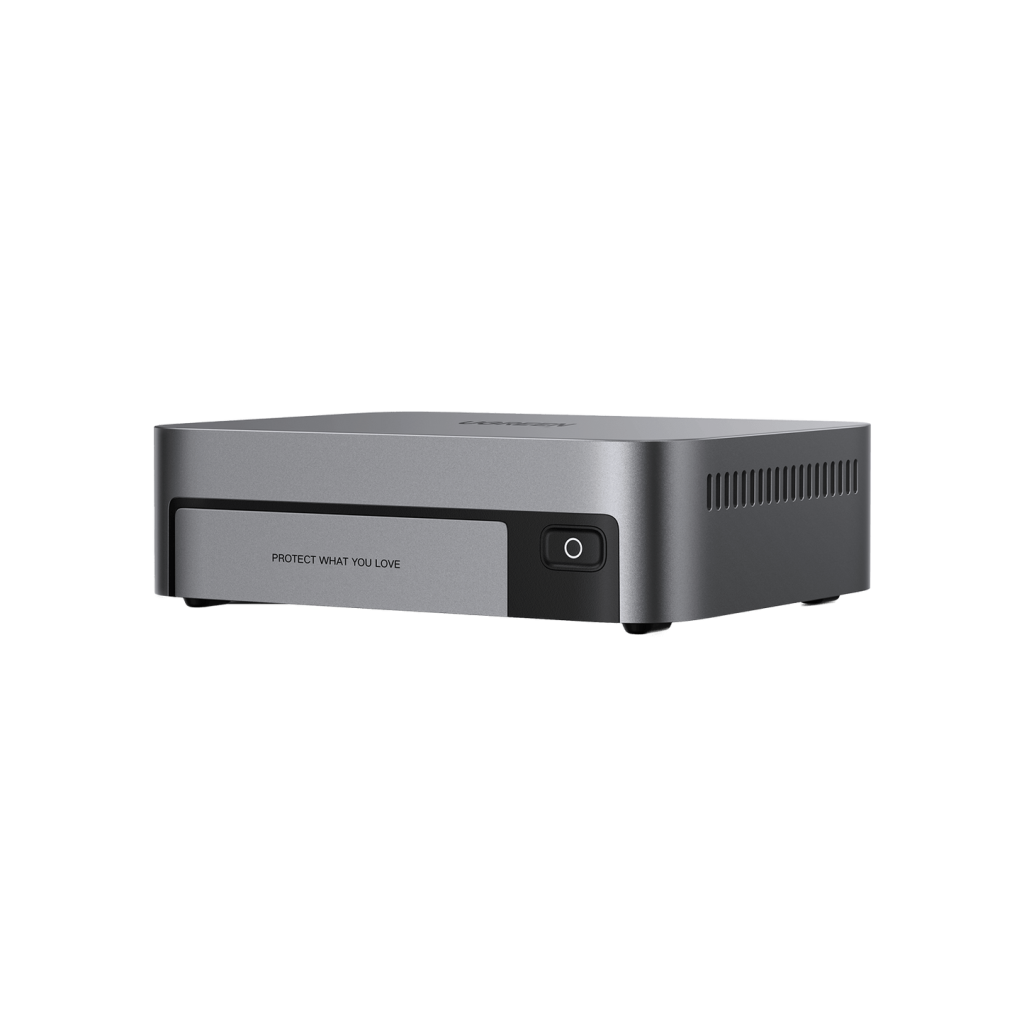
Many families unknowingly expose their precious memories to significant risks through common NAS configuration oversights. The most prevalent vulnerability stems from leaving default administrator passwords unchanged, essentially providing an open invitation to cybercriminals. Unpatched firmware represents another critical weakness, as manufacturers regularly release updates to address security flaws that hackers actively exploit. Remote access features, while convenient, often become security liabilities when improperly configured, particularly when using default ports or unencrypted connections. Ransomware attacks specifically targeting NAS devices have surged, with criminals exploiting these vulnerabilities to encrypt family photos and demand payment for their release. Physical security also remains a concern, as NAS devices are attractive targets for home burglaries.
How These Threats Impact Family Memories
Consider the Smith family’s experience: after years of storing photos on their NAS, they discovered their device had been compromised through an outdated firmware vulnerability, resulting in the encryption of over 15,000 irreplaceable family photos. Unlike financial data breaches where monetary losses can often be recovered, the emotional impact of losing years of family memories proves devastating and irreversible. The situation becomes even more concerning when considering children’s privacy – many family photos contain sensitive information about minors, including locations, routines, and personal moments that could be exploited if accessed by malicious actors. The psychological toll of such losses often exceeds any financial impact, leaving families with permanent gaps in their digital heritage.
Building Your Photo Fortress: Security Solutions
Essential Protection Layers
Securing your NAS begins with implementing robust password policies – create unique, complex administrator credentials at least 16 characters long, combining letters, numbers, and symbols. Enable automatic firmware updates through your NAS management interface, scheduling them during off-peak hours to ensure consistent protection against emerging threats. Implement two-factor authentication by connecting your NAS to an authenticator app, adding a crucial second verification layer beyond passwords. For remote access, configure a Virtual Private Network (VPN) using OpenVPN or WireGuard protocols, encrypting all external connections to your NAS. Set up RAID 5 or RAID 6 configurations depending on your drive count, balancing storage efficiency with data redundancy to protect against drive failures.
Advanced Safeguards for Paranoid Parents
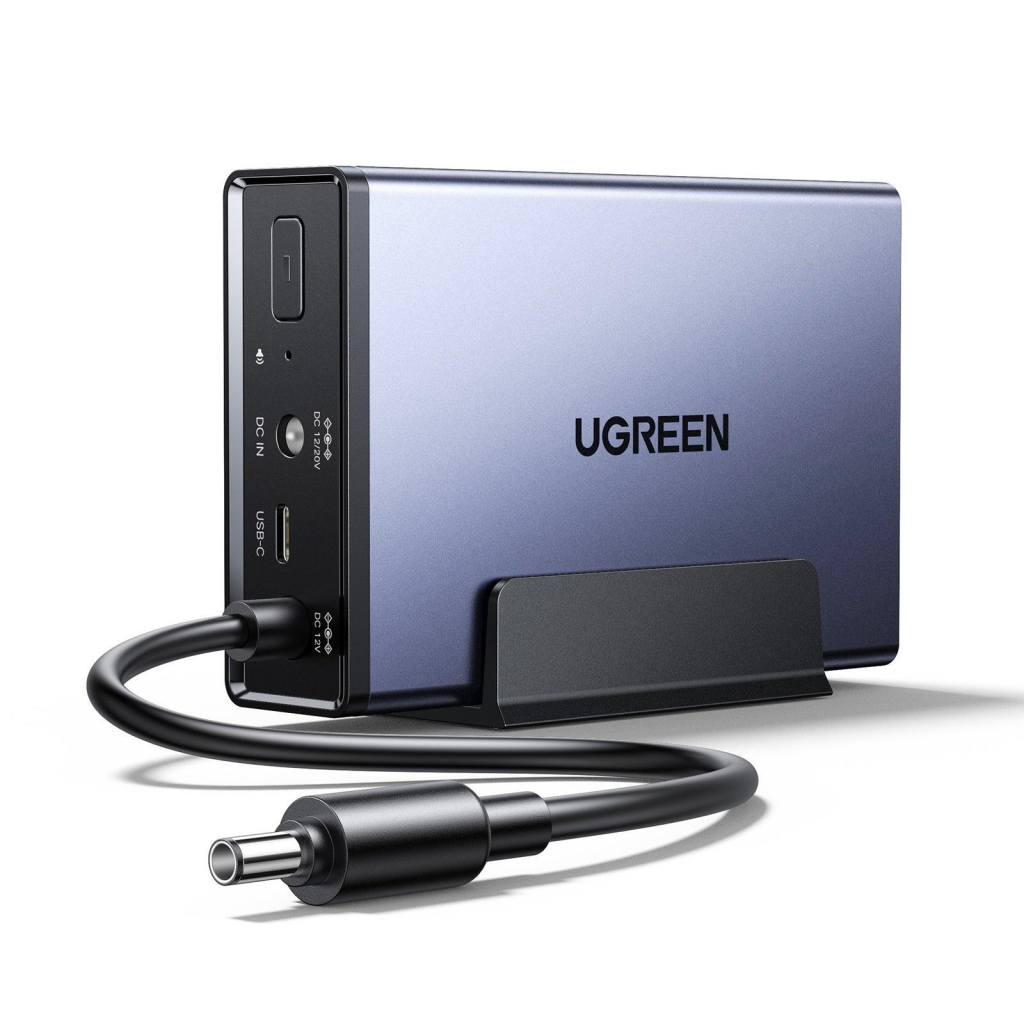
For maximum security, enable AES-256 encryption at both the volume and folder levels, ensuring data remains unreadable even if drives are physically removed. Install IP surveillance cameras with motion detection, positioning them to monitor NAS access points and integrating alerts with your home security system. Create an air-gapped backup strategy by maintaining an offline copy of critical photos, updated monthly using write-once media stored in a fireproof safe. Deploy intrusion detection systems that monitor network traffic patterns, automatically blocking suspicious IP addresses and alerting you to potential breach attempts through mobile notifications. These layered defenses transform your NAS into an impenetrable vault for your family’s digital memories.
Media Streaming vs. Security: Finding Balance
While securing your family photos is paramount, accessing them shouldn’t feel like breaking into Fort Knox. Modern NAS systems excel at balancing security with seamless media streaming through platforms like Plex or Jellyfin, which utilize robust encryption during playback. Create a dedicated VLAN for media devices, isolating them from your primary storage network while maintaining smooth access. Implement Quality of Service (QoS) rules to ensure backup processes don’t interrupt family movie nights, prioritizing streaming traffic during peak usage hours. Configure device-specific permissions, allowing children’s tablets read-only access while maintaining full control from parent devices. When streaming encrypted content, modern NAS processors easily handle on-the-fly decryption, delivering 4K video without buffering even with maximum security protocols enabled. By segmenting your network and implementing role-based access controls, you create a secure yet accessible digital media environment that protects your memories without sacrificing convenience.
Security Features in Modern NAS Systems
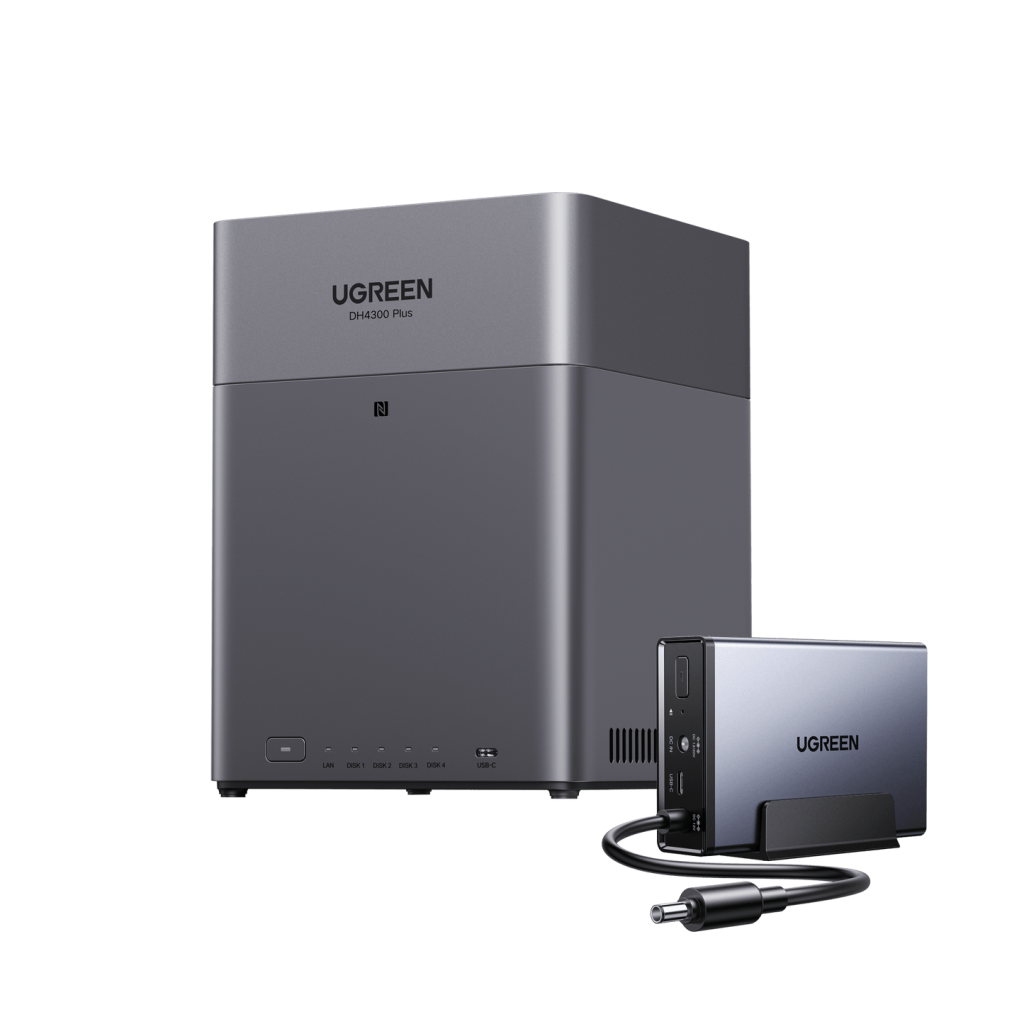
The latest NAS solutions demonstrate how modern hardware can simplify robust data protection. For example, UGREEN’s NAS systems incorporate dedicated encryption processors that handle real-time AES-256 encryption without performance penalties. Their approach includes innovative security features like behavioral analysis to detect and block suspicious file operations before they can impact your photos. The granular family sharing system allows parents to create customized access profiles for each family member, ensuring children can only view appropriate content while maintaining strict controls over photo modification and sharing permissions. For additional protection, these modern platforms seamlessly integrate with major cloud providers, automatically encrypting backups before transmission and maintaining separate encryption keys for each storage destination.
NAS vs. Cloud Storage: Security Showdown
When comparing NAS and cloud storage security, the fundamental difference lies in encryption key ownership. With NAS, families maintain complete control over their encryption keys, while cloud providers typically hold master keys that can potentially unlock user data. This control disparity becomes crucial during legal requests or provider security breaches. A five-year cost analysis reveals that while cloud storage requires ongoing subscriptions averaging $120 annually for 2TB, a NAS system’s $500-700 initial investment provides equivalent storage with no recurring fees. Data recovery scenarios demonstrate another stark contrast – local NAS restores achieve speeds of 100MB/s or higher, while cloud recoveries remain limited by internet bandwidth, often taking days to retrieve extensive photo collections. Cloud services’ privacy policies frequently include clauses permitting data analysis and AI training using uploaded content, potentially exposing family photos to unauthorized processing. However, a hybrid approach offers optimal protection: using NAS as primary storage while maintaining encrypted cloud backups of critical photos. This strategy combines local control with geographical redundancy, ensuring families retain both security and disaster recovery capabilities.
Protecting Your Family’s Digital Heritage
When properly configured and maintained, NAS storage offers superior security for protecting irreplaceable family photos compared to traditional cloud solutions. The key lies in implementing a comprehensive security strategy: enforcing strong passwords and two-factor authentication, maintaining current firmware, utilizing encryption at rest and in transit, and establishing reliable backup protocols. While the initial setup requires careful attention to detail, the resulting peace of mind knowing your family’s digital memories are protected within your control is invaluable. The investment in NAS infrastructure pays dividends not just in security but in privacy and long-term cost savings. As we move into an era where personal data sovereignty becomes increasingly critical, taking control of your family’s digital legacy through a properly secured NAS system represents a proactive step toward protecting what matters most. Start implementing these security measures today – your future self will thank you for preserving those precious memories that can never be recreated.